1. Visit the Website
Go to https://srv1357570.hstgr.cloud from your phone or computer.
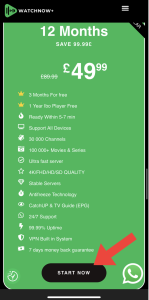
2. Choose the Plan You Want
3. Click “Start Now”
Scroll down and tap the black “START NOW” button.
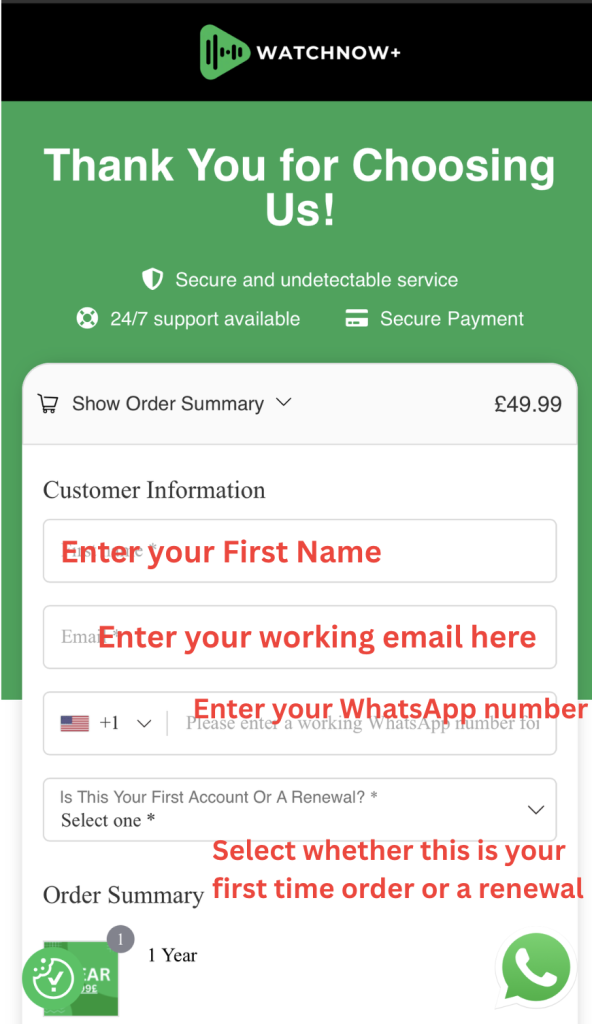
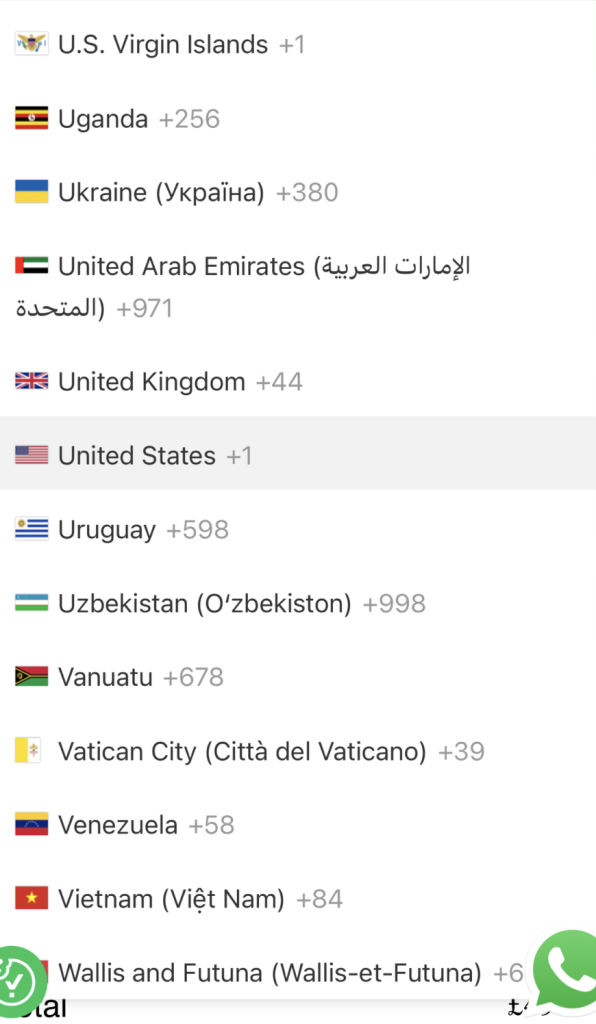
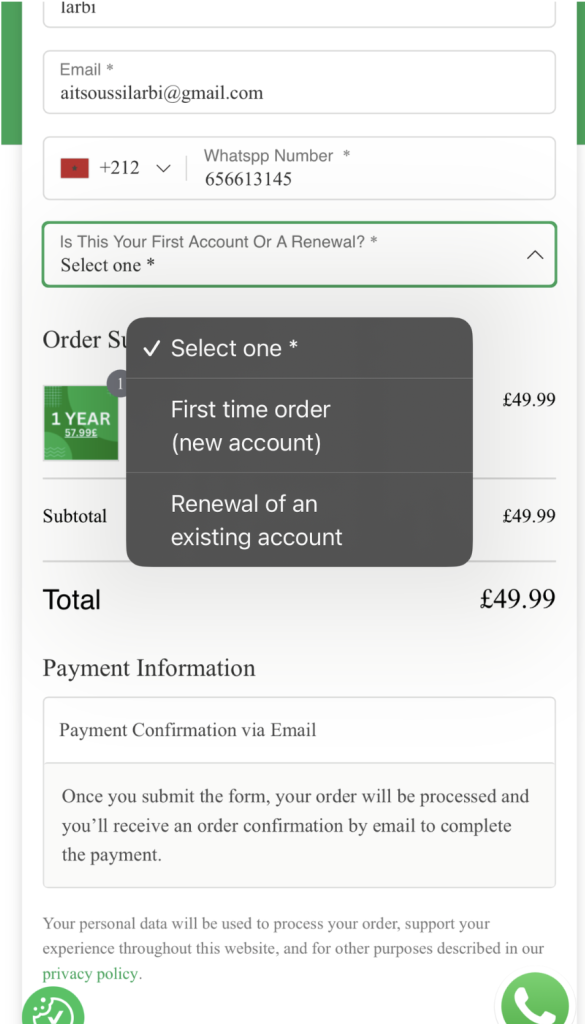
4. Fill Out Your Info
On the order page:
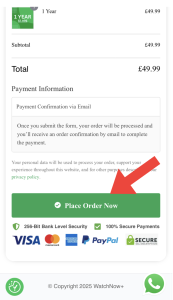
5. Submit Your Order
Tap the green “Place Order Now” button
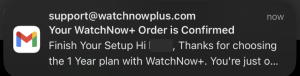
6. Check Your Email
You’ll get an email from support@srv1357570.hstgr.cloud with:
If you don’t see it, check your spam/junk folder.
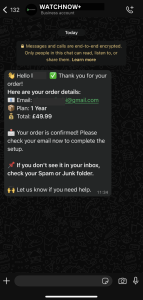
7. Get Confirmation via WhatsApp
Within a few minutes, WatchNow+ will also message you on WhatsApp to confirm your order and help you finish setup
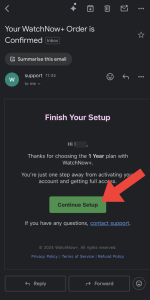
8. Open the Email
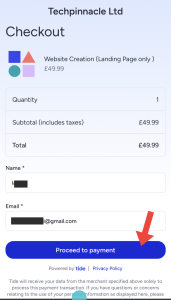
9. Proceed to Payment
10. Confirm your name and email
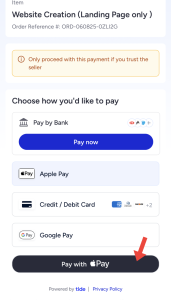
11. Choose a Payment Method
You can pay with:
12. Get Your Access
In case of a delay or any issue, contact us directly on WhatsApp:
https://wa.me/447311816844https://wa.me/13412082976
More Info!